Paywall and pay-per-view
Pay-to-Unlock Photos: The No-Subscription Guide
2 min read
Most people will happily pay a few dollars to see a set they care about. Far fewer want to sign up for yet another monthly plan to do it. Pay-to-unlock fixes that: one price, one payment, and the photos open. Here is exactly how it works on Gallery Room.


One-time unlock vs subscription
A subscription asks a fan to commit to you every month. An unlock asks them to say yes to one thing they can already half see. For a wedding, a trip, a shoot or an event recap, that second question is much easier to answer.
- The buyer pays once per Room. Nothing renews.
- You set the price per Room, so a big set and a small one can cost different amounts.
- You still own the relationship. Share the link wherever your audience already is.
What a visitor sees before paying
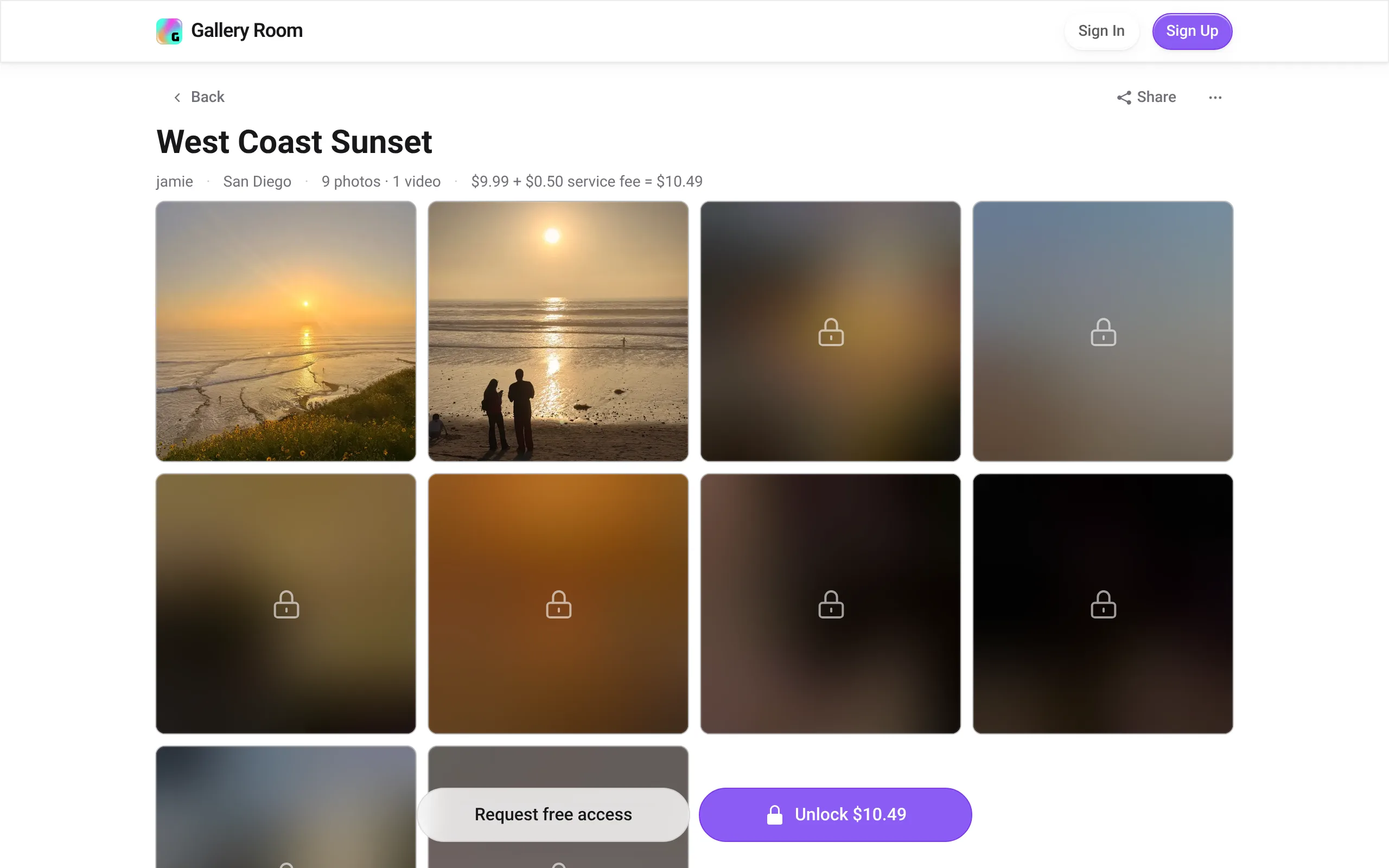
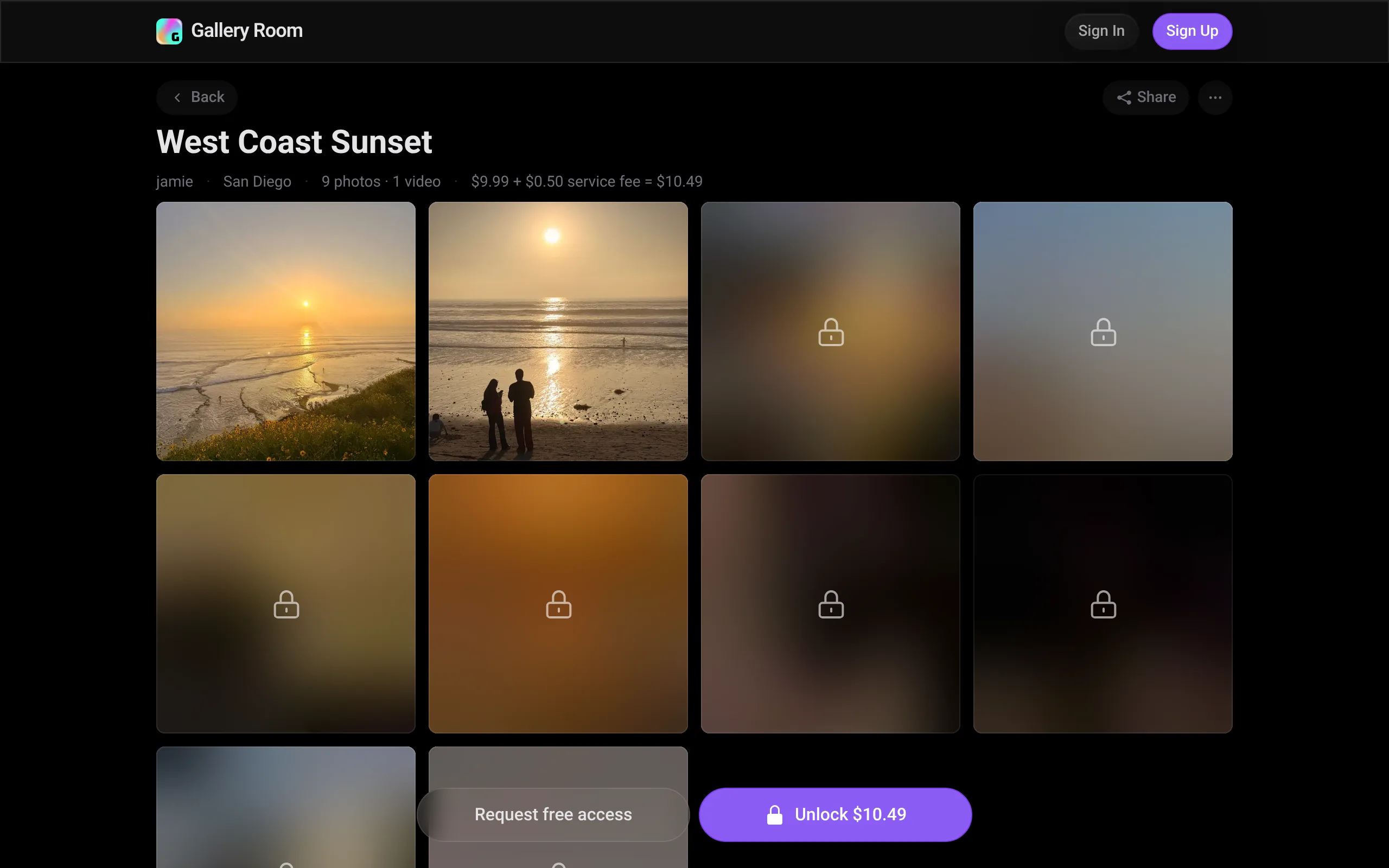
When someone opens a paid Room, the photos you marked Free show normally. Every locked photo shows as a blurred preview, and tapping one opens it in the lightbox, still blurred, with the unlock price.
The blurred preview is a separate, tiny image made at upload time. The locked original is never on the page. How locked photos stay private walks through that in detail.


Rather see it than read about it? Start a Room free.
How the unlock works
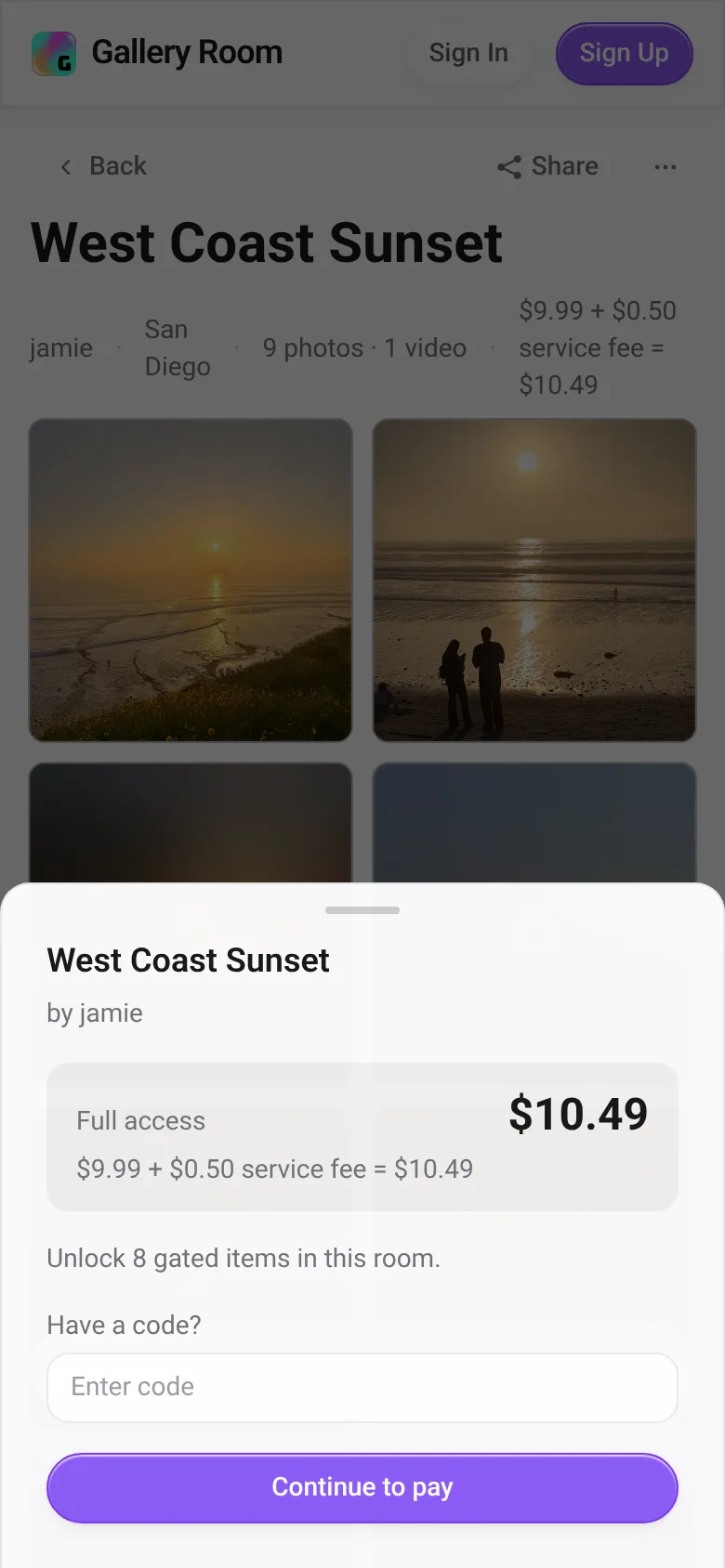
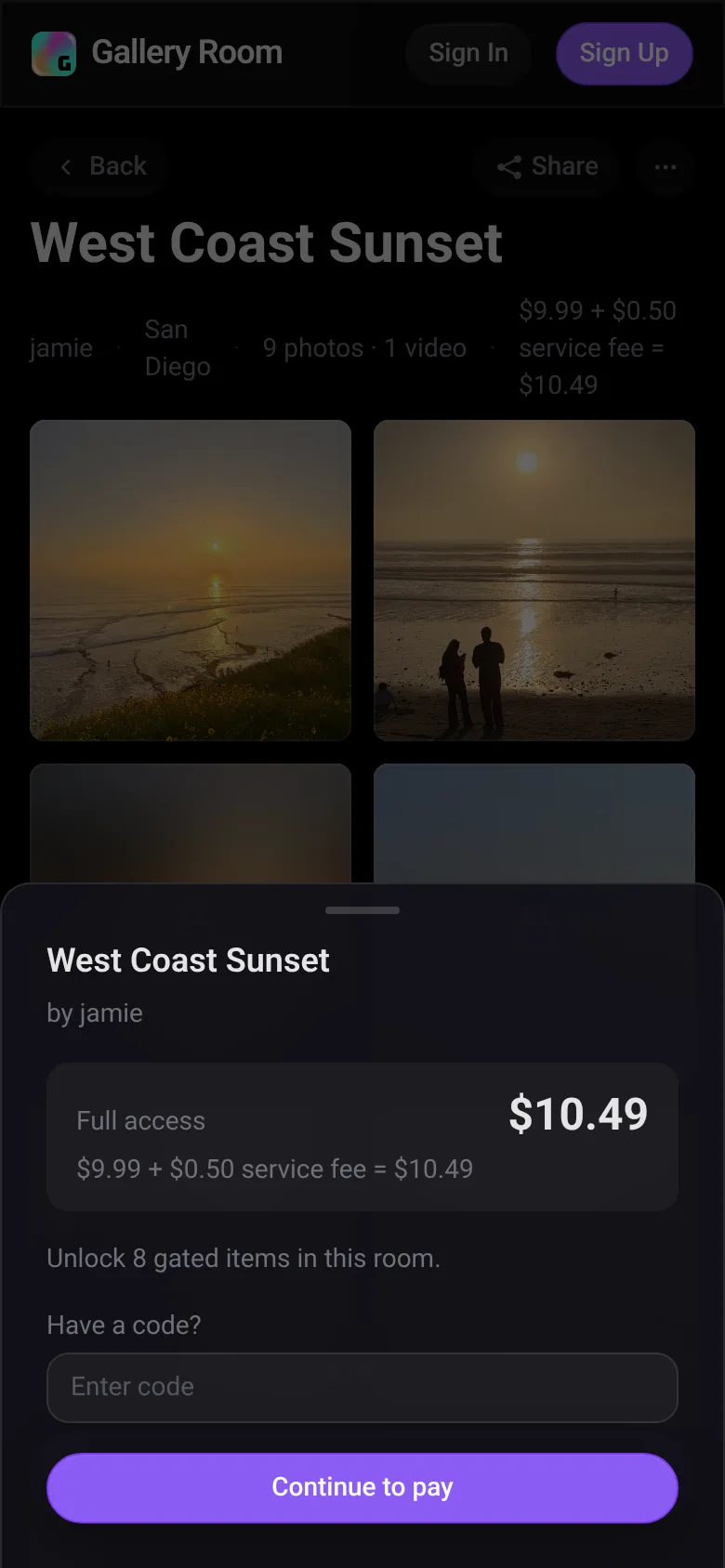
- The visitor taps Unlock and signs in, or creates a free account.
- The unlock sheet shows the Room price, the $0.50 service fee and a field for a promo code.
- They pay by card, Apple Pay, Google Pay or Link.
- The Room opens on their account. The unlock has no expiry date, though a full refund or a payment dispute removes it.
Promo codes take a percent or a fixed amount off the price. A code that covers the full price makes the unlock free, with no service fee and no card charge.


The fees, in plain numbers
| Buyer pays | $9.99 + $0.50 = $10.49 |
|---|---|
| Creator receives | $8.99 (90% of the price) |
| Gallery Room keeps | $1.50 (10% plus the service fee) |
The service fee is paid by the buyer and is never taken from your share. The lowest Room price is $2.99.
Free for your friends. Everyone else pays.
A paywall should not get in the way of the people in the photos. On any paid Room, a signed-in visitor can tap Request Free Access. You get the request and approve or deny it, and you can grant access by username or revoke it whenever you like.
New to selling sets this way? Start with how to sell a photo set with one link.
Questions people ask
Does the buyer need an account?
Yes. A visitor signs in or creates a free account before unlocking, so the purchase stays attached to them and the Room stays open on their account.
Can I leave some photos free?
Yes. Mark any photo Free in the Room editor and it shows to everyone. A paid Room needs at least one locked photo.
Is there a monthly fee for creators?
No. Gallery Room keeps 10% of each unlock price, and the buyer pays the service fee.
Try the unlock from the creator side
Make a Room, mark a few photos Free, and see the blurred previews for yourself.